.png)
Dragsteruppladdning
 Manual upload of dragster orders
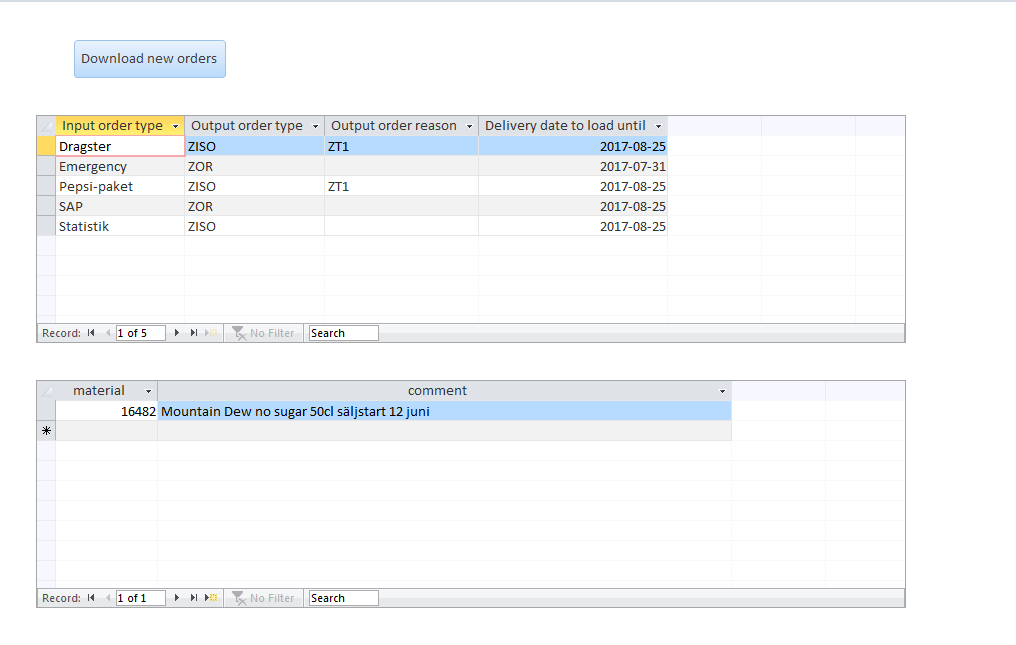
We are using the database Excelorder.accdb
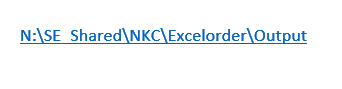
Folder/Shared
Folder/NKC
Folder/Excelorder
Choose
Download new orders (the orders are downloaded into the system)
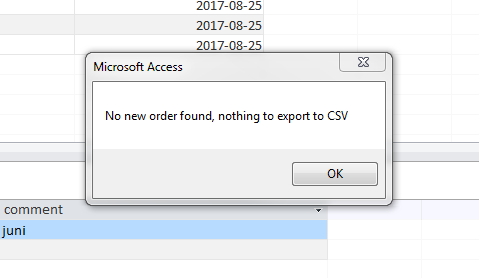
I normally do the same procedure again to assure all is clear.
Press OK. And then close the program/database.
Log into SAP – P0E
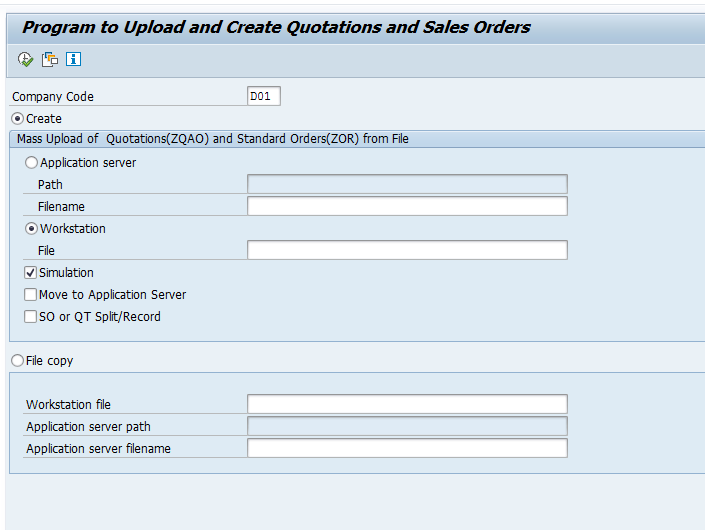
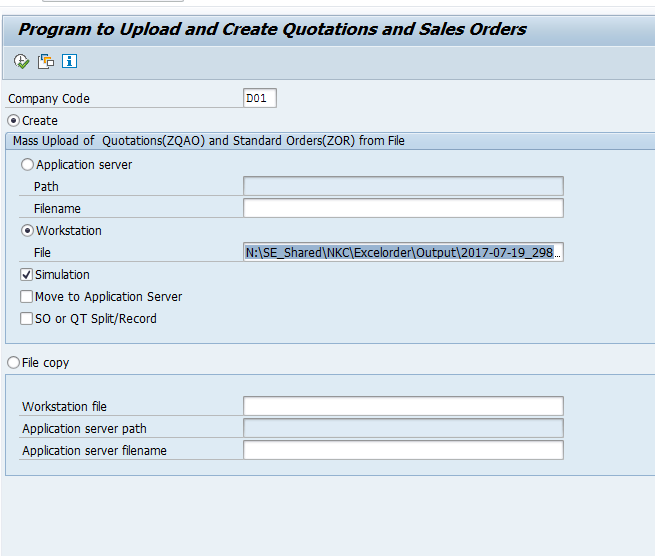
Mass Creation of Quotations and order - ZSD_MASS_QUOT_SO
Fill out the form as above. Company Code D001. Mark: Workstation and make sure Simulation is ticked.
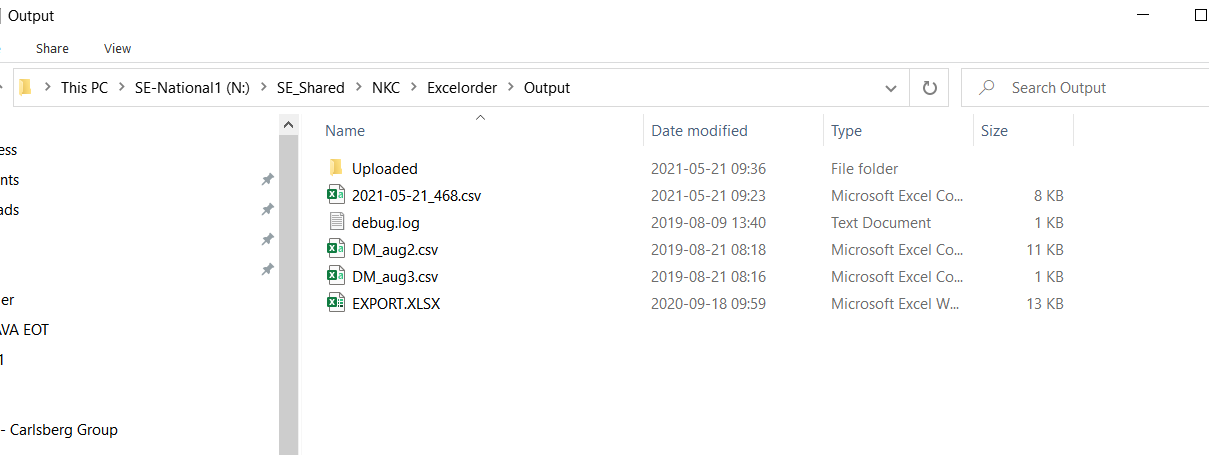
Put the marker in the File field and go through the steps to find the output file that was downloaded from the database before.
Choose the correct file.
Make sure simulation is still ticked.
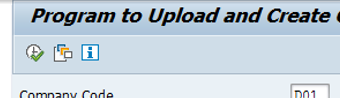
Start the simulation mode and press the green tick/clock.
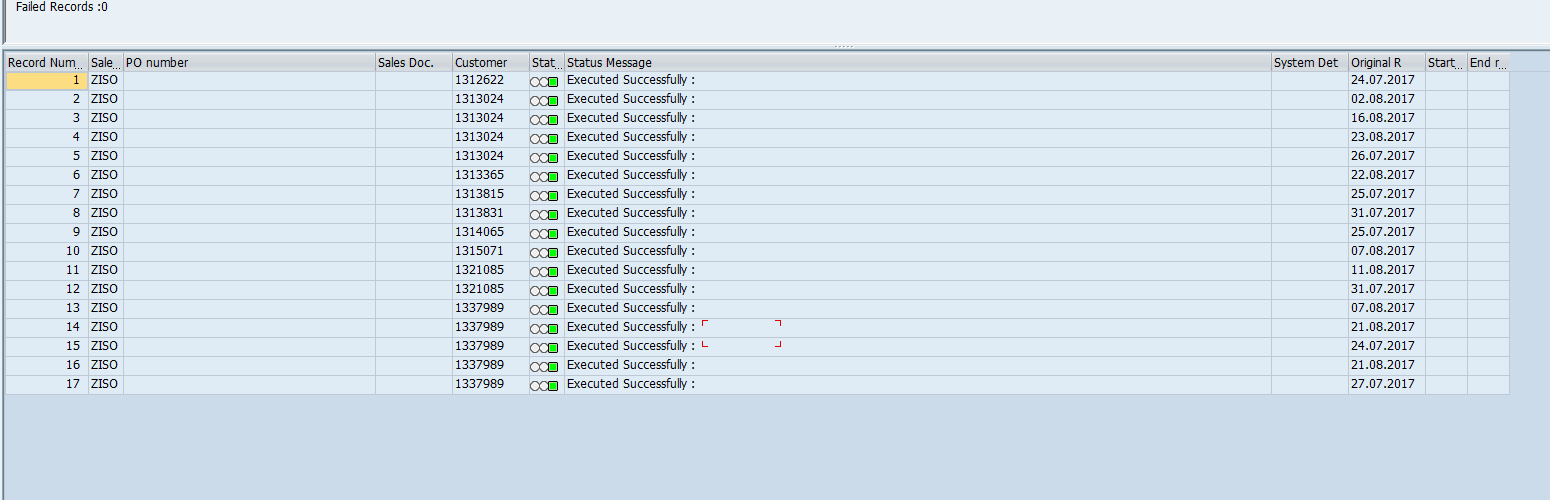
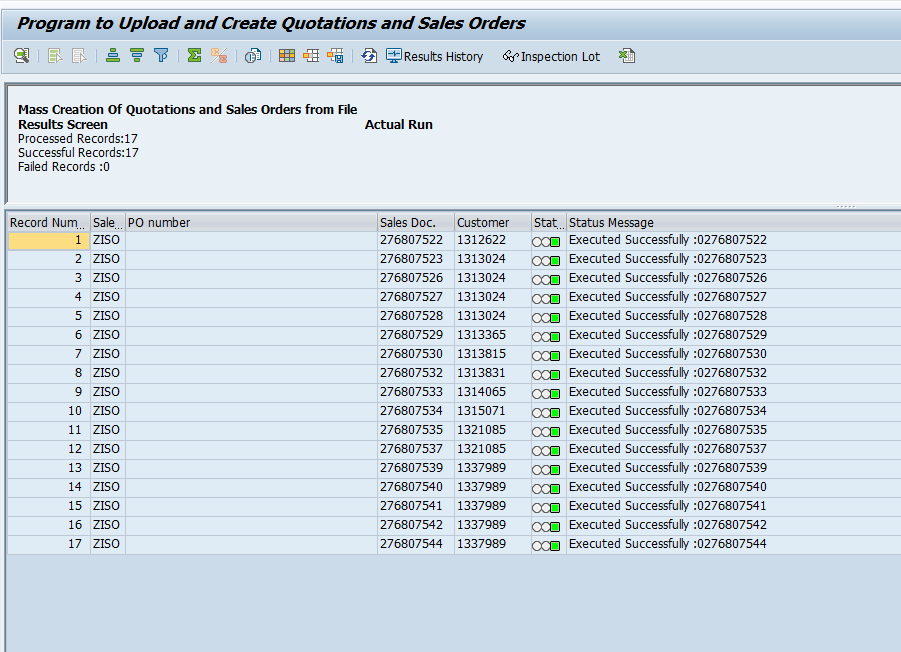
Then you will hopefully see all the records green, with failed records 0. (If records are failing you need to take action from the outbound xls file before you can do an actual run).
All seems ok, so now you do the same but you tick off the simulation.
Go back with the green back arrow.
Tick off simulation.
Start the upload again by pressing the clock/green tick.
Actual run is started.

Done